
Partner Program

Bring Expert Digital Skills Training to Your Residents
Independent living villages, churches, and community organisations can now offer a free IT training partnership for over 55s residents. Through this partnership, Digital Skills Australia provides ongoing digital skills support with no fees to your organisation.
Additionally, we handle all the training logistics, allowing you to focus on what matters most – supporting your community. As a result, your residents gain essential digital confidence while you enhance your organisation’s value proposition.
How does our Free IT Training Partnership Program Work?
Initital Training Block
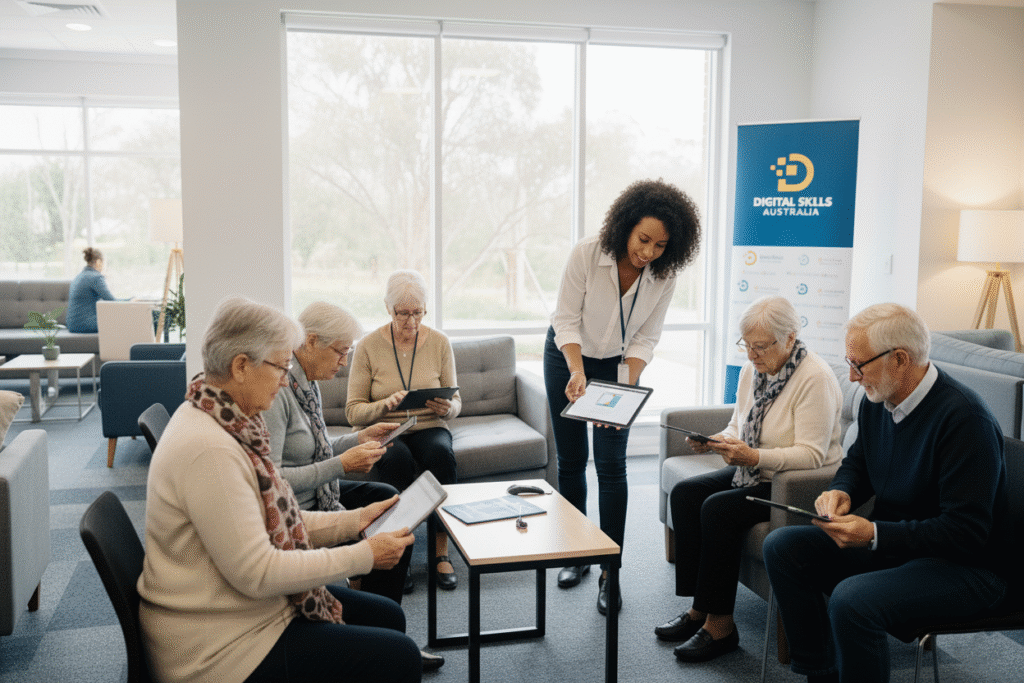
After partnering with Digital Skills Australia your community receives a weekly group digital skills session for the first 4 weeks. This jump start residents with essential digital skills and confidence. Each session is specifically designed for over 55s learners and tailored to your residents specific interests.
Ongoing Monthly Support
After the 4 weeks of training, we switch to 1 free training session per month to keep your community connected and confident online.
All sessions are delivered by qualified trainers who specialise in teaching technology to over 55s in a patient, supportive environment.
Earn Additional Free Sessions
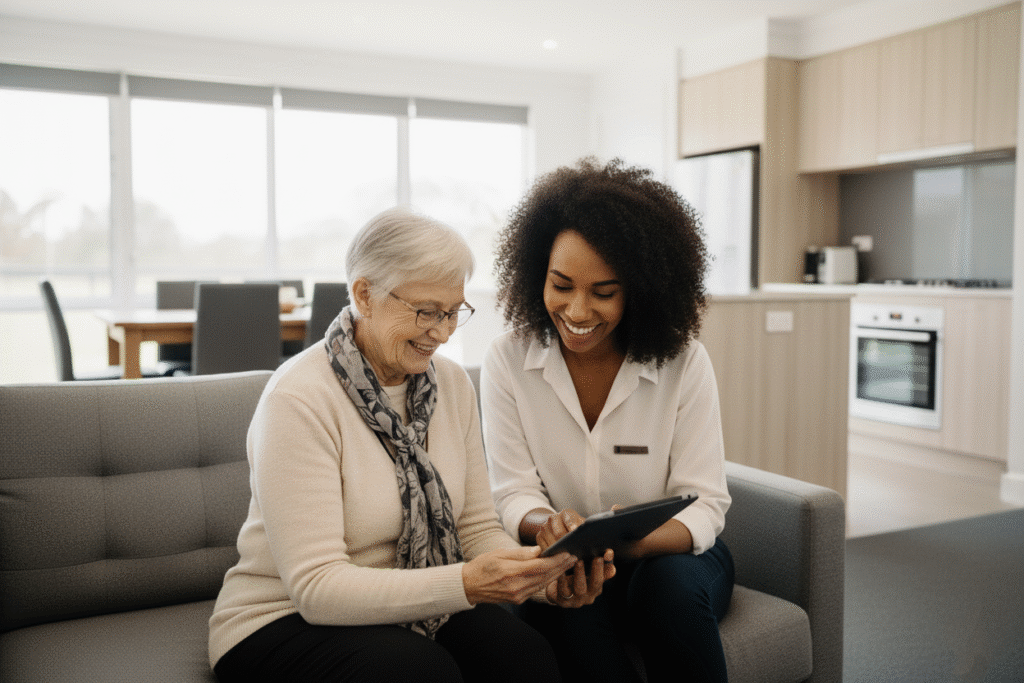
For every 10 private digital skills sessions your residents or members book with Digital Skills Australia, your village or organisation receives 1 additional community session. The more your residents use our services, the more free training your community receives.
Partnership Requirements
As a valued partner in our free digital skills training program, we ask that you:
✅
Recommend Digital Skills Australia as the preferred IT service provider for your residents or members
✅
Display our promotional materials in your club lounge, community centre, or notice boards
✅
Include us in your resident communications and recommendations
Skill’s We’ll Teach Your Over 55’s Community
Explore some of the many topics we can teach your residents or community. These give you an idea, but are not restrictive, we create topics and sessions to fit everyones different needs.
Getting Started
This category covers the foundational skills needed for new digital users.
- Computer Basics: Using a computer, laptop, tablet, and smartphone.
- Internet Essentials: Understanding what the internet is, how to use browsers and search engines.
- Device Management: Learning about settings, managing files, and troubleshooting.
Staying Safe Online
This section focuses on essential cybersecurity and online safety practices.
- Security: Understanding scams, phishing, and keeping your personal information safe.
- Passwords: Creating and managing strong passwords.
- Privacy: Protecting your privacy and understanding web tracking.
- Antivirus Software: Learning about antivirus programs and how they work.
Connecting with Others
This category is dedicated to communication and social media skills.
- Video Calling: Using apps like Zoom, WhatsApp, and FaceTime.
- Social Media: Introduction to platforms such as Facebook, Instagram, and X (formerly Twitter).
- Email: Setting up and using email services like Gmail and Outlook.
Managing My Money
This section provides guidance on handling finances online.
- Online Banking: Introduction to online and mobile banking.
- Government Services: Using online government services like myGov and the Medicare app.
- Buying and Selling: Safely buying and selling items online.
Lifestyle and Hobbies
This category covers topics that enhance daily life and personal interests.
- Travel: Researching and booking travel online.
- Photos: Managing, editing, and sharing digital photos.
- Games and Entertainment: Using apps for hobbies, streaming movies and music, and playing online games.
- Health and Wellbeing: Using technology for health monitoring and wellbeing.
All About Apps & Devices
This section is a comprehensive guide to using specific devices and applications.
- Device-Specific Guides: Detailed guides for Apple (iPhone, iPad, desktop) and Android devices.
- Useful Apps: A list of various apps for convenience, entertainment, and everyday tasks.
- Transferring Files: Learning how to move files between different devices and operating systems.
…. and many more, if your community has a particular concern or intrest we can put together a fantastic session for them, tailored to that topic!